
Healthcare Reputation Specialists
A neglected WhatClinic profile can leave private clinics competing with incomplete information, weak photos and slow enquiry handling. This guide explains how to claim your listing, improve the details patients actually use, present pricing clearly and build a faster enquiry process without compromising patient privacy.
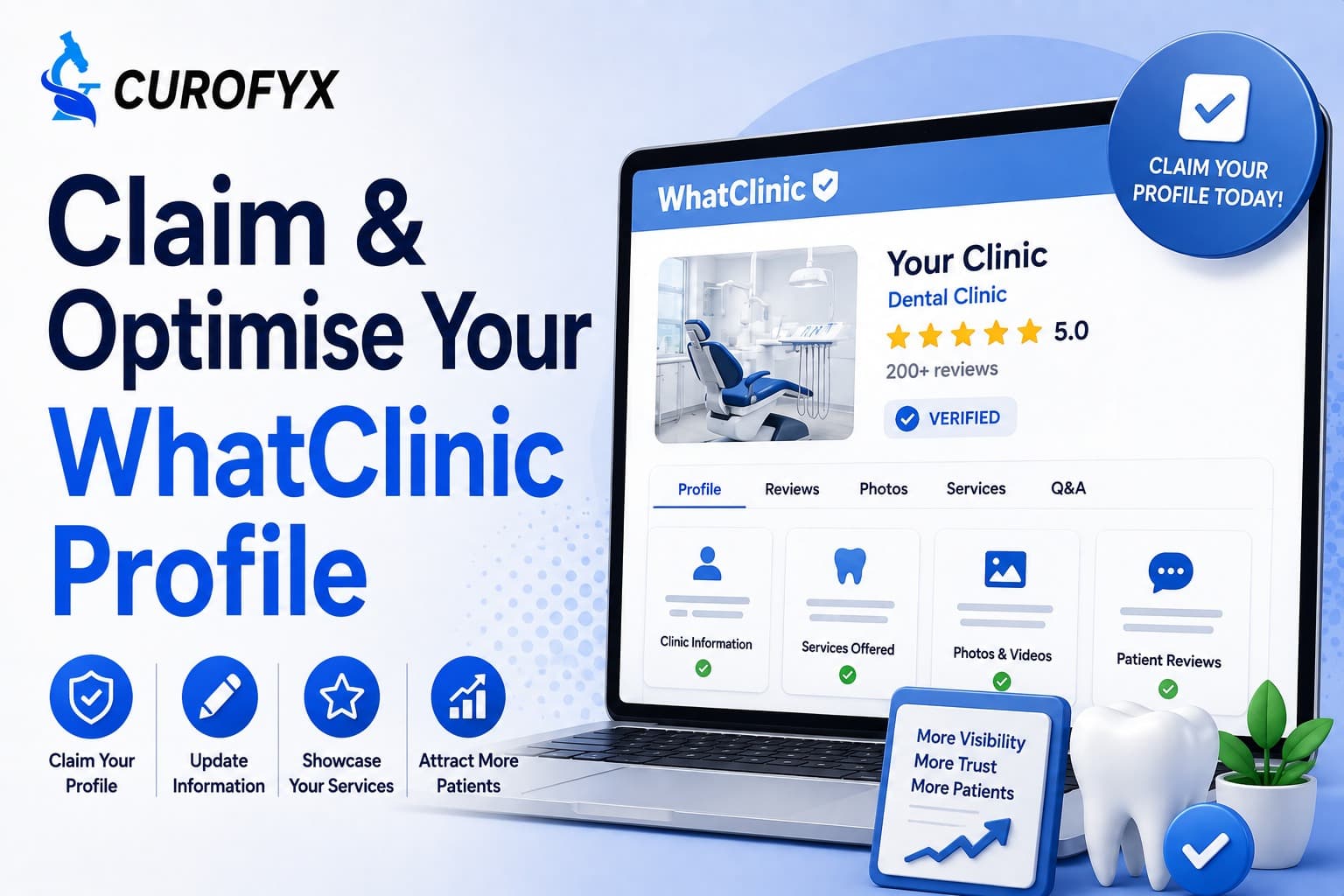
WhatClinic positions itself as a platform where patients can find, compare and contact clinics. Its current site says more than 15.7 million people visit WhatClinic.com each year, while its company information states that the platform lists more than 120,000 clinics across more than 135 countries. Those are WhatClinic's own figures, so they should be treated as platform-reported rather than independently audited traffic data.
For a private clinic, the more useful question is not simply, "Are we listed?" It is: "If a patient finds us there, does the profile give them enough confidence to make contact?" That changes how you should approach the listing. A strong WhatClinic profile should make the clinic easy to understand, easy to compare and easy to contact. The details matter because WhatClinic allows clinics to display treatments, prices, opening times, staff information and reviews, while patients can contact clinics directly by phone or email.
WhatClinic is particularly relevant to private healthcare because the platform is built around treatment searches rather than simply business-name searches. A patient might search for a particular cosmetic procedure, dental treatment or private healthcare service in a particular location. The platform then presents clinics that match that type of search. That is a different discovery journey from someone searching Google for an exact clinic name.
For an aesthetic clinic, for example, a prospective patient may already know they want a treatment but still be comparing providers. At that point, the profile needs to answer practical questions quickly:
WhatClinic says its listings can include treatment information, prices, opening times, staff details and patient reviews. It also says patients can contact clinics directly through phone or email.For clinics managing reputation across several platforms, it can also make sense to connect WhatClinic activity with a broader multi-platform reputation monitoring strategy. The goal is not to make every directory look identical. It is to make sure important patient-facing information stays consistent.
Google is primarily a search and local discovery environment. WhatClinic is structured around healthcare and treatment discovery. That means a WhatClinic profile should be written around the treatments and services a patient is actually researching. Simply copying the clinic's Google Business Profile description into it wastes much of the opportunity. A private dermatology clinic, for instance, should not rely on a generic description such as "leading clinic providing high-quality care". It should clearly explain what treatments are offered, who the service is for, where the clinic is located and what prospective patients can expect when making contact. Specific beats impressive-sounding.
WhatClinic's current clinic FAQ says a clinic can add itself by visiting WhatClinic and selecting the "Add Clinic" option. After the clinic is added, WhatClinic says an assigned Account Manager will make contact. Clinics can also contact the Content Team if they need help getting a clinic listed. The exact interface can change, so use WhatClinic's current process rather than relying on an old screenshot or third-party tutorial.
Before creating another profile, search WhatClinic for the clinic name, location and main treatment categories. Look for spelling variations too. A clinic might appear under a trading name while its website uses a different legal or brand name. Multiple listings can create confusion and make it harder to keep information accurate. WhatClinic says clinics can have multiple clinics added to one account by contacting them directly. For groups with several locations, that matters. Each branch should have its own accurate location, telephone details, opening information and treatment availability.
Start with the boring information. It is also the information patients rely on.
Check:
Do not assume the information is correct because it appears on your website. Directories can contain outdated information, especially after a relocation, rebrand, change of telephone number or expansion into new services. WhatClinic specifically says clinics can log in to update their details and that it aims to maintain accurate and up-to-date clinic information.
This is where optimisation becomes more interesting. Do not add every vaguely related treatment simply to appear in more searches. A treatment should reflect something the clinic genuinely offers. This matters because WhatClinic explains that enquiries are connected to specific treatments and locations. Its refund policy also states that enquiries for listed treatments are treated differently from enquiries for wholly unrelated services.
For an aesthetic clinic, that means being precise. If you offer consultations for a particular procedure but do not actually provide the procedure, make that distinction clear. If you offer several variations of a service, make sure the relevant treatments are represented accurately. This reduces the chance of attracting enquiries the clinic cannot appropriately handle.
A profile with the right information can still perform poorly if it looks unfinished. Think about the patient opening the page on a phone. They are not reading your brand strategy. They are deciding whether this looks like a credible place to contact.
WhatClinic itself publishes a clinic photography guide and says strong visuals are important for a clinic's online presence. That does not mean uploading twenty nearly identical photographs. Choose images that answer practical questions.
For a private clinic, useful photography might show:
Aesthetic clinics should be especially careful with before-and-after imagery. Patient photographs can reveal health information and potentially identify an individual. The ICO classifies data concerning health as special category data under the UK GDPR. So do not treat a patient's photograph as ordinary marketing material simply because it looks good on a profile. You need an appropriate legal and consent process for the use you intend to make of the image. If there is any doubt, get proper privacy advice rather than assuming a signed treatment consent form automatically covers every future marketing use.
Avoid inflated claims such as "best clinic", "number one specialist" or "leading provider" unless you can substantiate them. Patients are comparing clinics. They can usually spot marketing language. Clear descriptions work better. Explain what the clinic does, who provides the treatment and what happens next.
This is probably the most overlooked part of WhatClinic optimisation. A clinic can spend hours improving its profile and then lose the opportunity because nobody responds properly to the enquiry. WhatClinic explicitly says an enquiry is not a confirmed patient. It is a referral from someone looking for a particular treatment and location, and the clinic is responsible for following up. That distinction should shape your workflow. An enquiry is an opportunity, not a booking.
Suppose someone contacts a cosmetic clinic about a consultation. The clinic replies three days later with a generic email asking the patient to call. That is a weak experience. The profile might have been excellent. The enquiry handling undid the work.
WhatClinic's own clinic toolkit recommends prompt responses and specifically discusses handling phone and email enquiries as part of improving clinic performance. The platform also says its ServiceScore incorporates factors including responsiveness, contact rate, brochure completeness, reviews and patient feedback. So responsiveness is not merely a customer-service issue. It forms part of how WhatClinic evaluates the clinic experience.
For a small clinic, the process does not need to be complicated.
When a WhatClinic enquiry arrives:
If a patient leaves a review or communicates publicly about a treatment, resist the temptation to demonstrate how much you know about their case.
A response such as:
"We're sorry your knee pain continued after your third treatment..."
could reveal information about the individual's health and treatment history. That is precisely the sort of information healthcare organisations need to handle carefully. The ICO says health information is special category data and receives additional protection under the UK GDPR.
A safer public response is usually neutral:
"We're sorry to hear that you were unhappy with your experience. Please contact the clinic directly so we can discuss this with you privately."
The exact wording should reflect your complaints and privacy procedures. For clinics that manage large volumes of patient feedback, AI-assisted review replies can help with drafting, but healthcare teams should still apply human oversight before anything is published.
Imagine a patient comparing two private clinics for the same aesthetic procedure.
Clinic A has a short description, one photograph and no visible pricing information.
Clinic B explains the treatment, identifies its practitioners, shows the clinic environment, gives useful pricing context and makes the enquiry process obvious.
The second profile has done something important. It has reduced uncertainty.
That is the real purpose of optimisation.
| Profile element | Weak approach | Better approach |
|---|---|---|
| Clinic description | Generic marketing copy | Clear explanation of services |
| Treatments | Broad or outdated | Accurate, specific treatment list |
| Pricing | Missing or unclear | Current pricing or honest pricing guidance |
| Photos | One logo or stock image | Real clinic and practitioner photography |
| Staff | Names only | Relevant practitioner information |
| Contact | Generic contact details | Clear enquiry route |
| Reviews | Ignored | Monitored and handled appropriately |
| Enquiries | Checked occasionally | Assigned and followed up promptly |
For clinics with several locations, consistency matters too. A multi-branch clinic reputation system can help centralise monitoring while keeping branch-level information distinct.
The first mistake is treating the profile as a one-time task. Healthcare information changes. Treatments change. Prices change. Practitioners move. Opening hours change. Review the profile whenever a meaningful operational change happens.
The second mistake is chasing every possible treatment keyword. That can produce poor-quality enquiries and create a mismatch between what a patient expects and what the clinic actually provides.
The third is uploading weak photography. A dark reception photograph taken quickly on a phone does not necessarily make a clinic look approachable. You do not need a luxury photoshoot, but you do need images that accurately represent the environment.
The fourth is ignoring enquiries because the clinic already has enough direct leads. That may seem harmless, but it leaves prospective patients without a proper response and can waste the value of maintaining the profile.
The fifth is trying to solve every negative review publicly. A professional response should not become a public clinical discussion. Keep patient-specific details private.
Do not judge your profile only by how polished it looks. Track what happens after the listing starts receiving attention.
Useful measures include:
WhatClinic says it tracks phone and email enquiries and uses that information in its reporting. It also says its ServiceScore is updated daily and incorporates multiple interaction signals. That gives clinics a useful reason to look beyond review stars. If enquiries are arriving but rarely becoming consultations, the problem may be your follow-up process rather than your profile. If the wrong enquiries keep arriving, review your treatment categories and descriptions. If patients repeatedly ask questions that your profile should answer, improve the profile itself. The data should tell you what to fix next.
Yes. WhatClinic says adding a clinic is free, although free listings may not be permanent and paid services are available for guaranteed visibility.
Use the "Add Clinic" option on WhatClinic. The platform says an Account Manager will contact you after the clinic has been added.
Paid enquiry services are available on a price-per-lead basis. WhatClinic says these may start from €10 per lead, although pricing varies by clinic type and location.
ServiceScore is WhatClinic's proprietary score based on multiple interaction signals. WhatClinic says factors include responsiveness, contact rate, brochure completeness, reviews and patient feedback.
Where pricing is straightforward, publishing current prices can help patients compare options. Where treatment costs depend on clinical assessment, explain the pricing structure rather than publishing a misleading fixed figure.
Clinics should avoid revealing patient-specific health or treatment information in public responses. The ICO classifies health information as special category data under the UK GDPR, so public review management needs to take privacy and confidentiality seriously.
Claim the listing, then audit it as if you were a patient seeing the clinic for the first time. Can you understand the clinic's main services within a few seconds? Are the prices current? Do the photographs feel genuine? Is there a clear route to contact the team? Most importantly, does someone actually own the enquiries once they arrive? Those questions matter more than adding another paragraph of promotional copy. For private and aesthetic clinics, a WhatClinic profile works best when it behaves like a useful patient-facing page, not another forgotten directory entry.
Get a live 1-on-1 walkthrough tailored to your clinic’s workflow and see how easily you can automate review requests, monitor your reputation, and reply with AI.